Maintenance5 min read
The Essential 3D Printer Maintenance Checklist
A few minutes of regular maintenance keeps your printer running reliably — improve print quality, reduce failed prints, and help prevent expensive repairs.
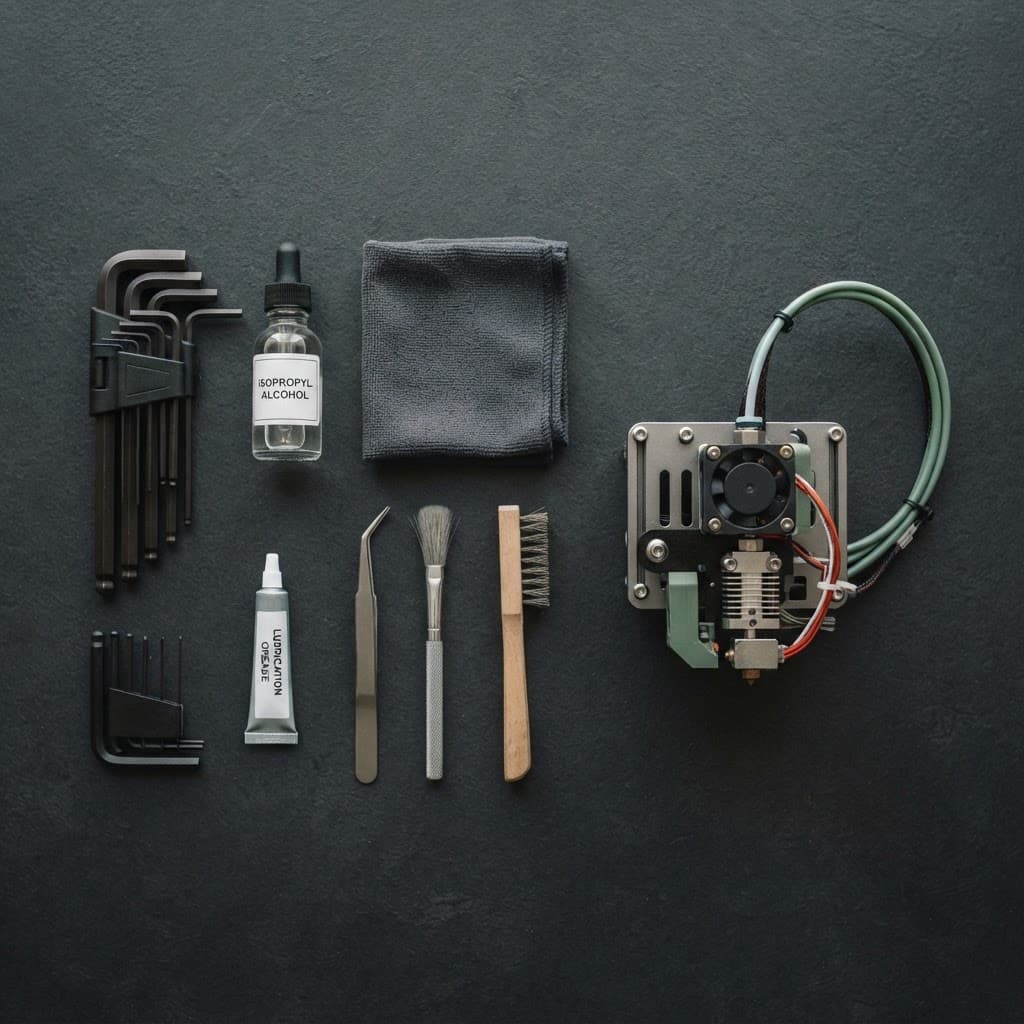
A few minutes of regular maintenance can go a long way in keeping your 3D printer running reliably. It helps improve print quality, reduces failed prints, and may even prevent expensive repairs down the road.
Highly Recommended Tools
Before you get started, it's worth keeping a few basic tools nearby:
- Hex (Allen) key set → Different printers use different fasteners. Most FDM printers require hex keys, while some newer models use Torx screws.
- Isopropyl alcohol (IPA) and a microfibre cloth → Perfect for cleaning the build plate and removing residue.
- Lubricant and grease → Lubricant is typically used on guide rails, while grease is better suited for threaded rods and gears.
- Tweezers, a soft brush and a wire brush → Handy for removing filament debris and cleaning around the nozzle.
A Quick Maintenance Checklist
- Clean dust and filament residue from the build plate, nozzle, cooling fans, belts (where fitted) and linear rails.
- Check that rails, bearings and threaded rods move smoothly, then lubricate them if needed.
- Watch for signs of a clogged nozzle, such as under-extrusion, missing layers or a clicking extruder.
Conclusion
Store filament in a sealed container with desiccants to keep moisture out.
Finish with a quick test print, such as a Calibration Cube or Benchy, to make sure everything is working properly.
If your printer is still producing poor-quality prints after routine maintenance, it could be a sign of worn components or a hardware fault. A professional inspection can identify the problem early and help avoid more extensive repairs.
Next articleWhy Use a Calibration Cube? A Quick Way to Check Print Accuracy